
Models and rules
Your account tier decides which models you can call. The Models page lists every model with its price.
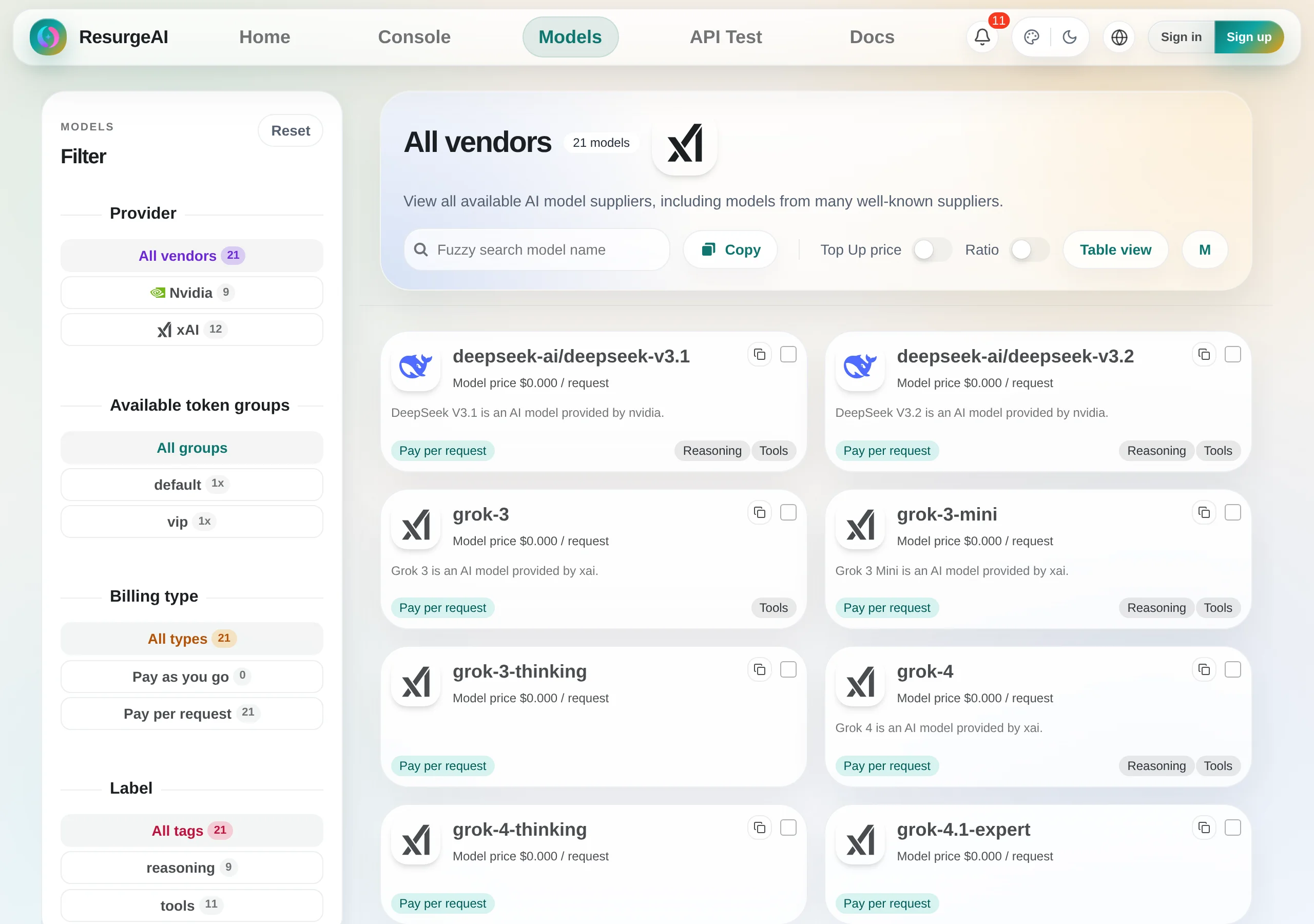
Browse models
For each model, the Models page shows:
- The model ID to use in your app
- Its input and output prices
- The company that made it
- Its features and endpoints
What each tier can use
The models you can call depend on your tier:
- Default and Trial: free models, and up to 40 requests a day to Weekly Featured models (10 more on days you check in)
- Plus: every model, no daily cap on paid models and a free daily allowance on each Free-for-Plus model. Requests go to the cheapest available route
Plans and tiers has the details.
Use the exact model ID
IDs are case-sensitive. Copy the ID exactly as the Models page shows it.
How model IDs look
Model IDs follow the name the model’s maker uses, for example:
gpt-4o,gpt-4o-mini: OpenAI modelsclaude-sonnet-4,claude-opus-4: Anthropic Claude modelsgemini-2.5-pro: Google Gemini modelsdeepseek-chat,deepseek-reasoner: DeepSeek models
These show the format only. Copy real IDs from the Models page.
Prices
Models are billed per token or per request. Per-token models charge their input and output prices for the tokens you use. Per-request models charge a set price for each call. The Models page shows which one applies and the current price.
Charges come out of your usage allowance first, then your wallet. Billing and balance explains how.
Keep your setup working
- Copy model IDs from the Models page, not from old screenshots or guides
- Models support different endpoints; see Compatibility before you pick one
- If a model stops responding, check the status page and the notices in your console
- Models change over time, so keep the model ID somewhere easy to change
Next steps
- See what each tier includes in Plans and tiers
- Copy working code from Code examples
- Fix common errors with FAQ and troubleshooting